See Who Unfollowed You on Instagram: The Ultimate Guide
Wondering who unfollowed you on Instagram? Discover the best ways to track your unfollowers and learn how to skip the growth struggle by buying an authentic account.
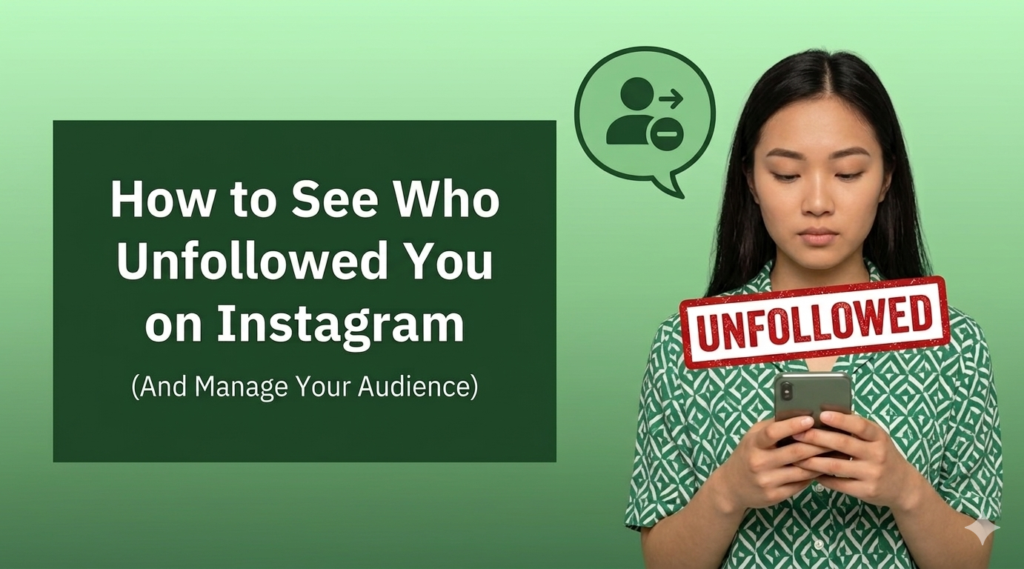
Have you ever noticed your follower count drop and wondered exactly who decided to hit that unfollow button? It is a frustrating feeling. You put time into your content, stories, and grid aesthetic, only to watch the numbers slip backward.
Tracking down the specific accounts that left can feel like solving a mystery, especially since Instagram does not send you a notification when someone departs. In this guide, we will break down exactly how you can see who unfollowed you, the risks of using third-party apps, and a much easier way to build a loyal audience without the constant headache of losing followers.
How to See Who Unfollowed You on Instagram Manually
The most reliable way to check if someone unfollowed you is to do it manually. While this method takes a bit of time, it is the only completely safe option that will not get your account flagged by Instagram security systems.
To check a specific person, open their profile and look at their following list. Search for your own username. If your name does not pop up, they are no longer following you.
Another manual approach is to go to your own profile, open your followers list, and type their name into the search bar. If they are missing from the list, they have unfollowed you or deactivated their profile. This works perfectly if you already suspect a specific friend or competitor has left, but it is not practical if you are trying to track hundreds of accounts at once.
Best Apps to See Who Unfollowed You on Instagram
When manual checking becomes too tedious, many people look for software solutions. If you search the App Store or Google Play, you will find dozens of applications promising to give you a detailed report of your unfollowers in real time.
These platforms operate by scanning your follower list when you log in and comparing it to a baseline scan from your previous session. They then present you with a list of usernames who are no longer on the list.
However, relying on these tools comes with major risks. Instagram updated its security protocols to block unauthorized software from accessing user data. Most apps that still claim to work require you to hand over your login credentials, which can compromise your security.
Is It Safe to Use Instagram Unfollow Apps?
The short answer is no, it is generally not safe. When you enter your password into a third-party application to track followers, you are violating Instagram terms of service.
The platform uses automated detection systems to spot automated behavior and suspicious login locations. If their system detects that an app is scraping data from your profile, you might face immediate consequences. This can range from an explicit action block, where you cannot like or comment for a few days, to a permanent shadowban or complete account suspension.
Beyond the security risks, these apps are notoriously glitchy. They frequently crash, display inaccurate data, and overwhelm your screen with intrusive advertisements. For most creators and business owners, the risk of losing access to their entire page is simply not worth the information.
Why Do People Unfollow You on Instagram?
Understanding why users walk away can help you fix your content strategy and keep your remaining audience engaged. People leave for a variety of reasons, and many times it has nothing to do with you personally.
One of the most common reasons is the follow-for-follow tactic. Many accounts will follow you simply hoping you return the favor, only to unfollow you a few days later to keep their own ratios looking professional.
Other times, users simply lose interest in your niche. If you suddenly change the type of content you post, or if you stop posting entirely for weeks, people will hit the exit button. Over-posting can also drive users away if your updates begin to crowd their daily feed.
How to Get More Followers on Instagram Authentically?
If you want to replace the audience members you lost, you need a strategy that attracts real people who care about your message. Consistency is the foundation of organic growth.
Focus heavily on short-form video content like Reels. The current algorithm prioritizes distributing engaging video content to people who do not follow you yet. Make sure your videos capture attention within the first three seconds and offer immediate value, whether that is entertainment, education, or inspiration.
Engage actively with your community and surrounding pages in your niche. Leave thoughtful comments on larger pages, reply to every message you receive, and use interactive stickers in your daily stories to build real connections. When people feel a personal connection to a creator, they are far less likely to leave.
Why Buying an Established Instagram Account Is Better
Building an audience from scratch is incredibly exhausting. You can spend months creating top-tier content only to gain a handful of followers, while simultaneously losing older ones. It feels like taking one step forward and two steps back.
This uphill battle is exactly why serious creators and brands are shifting their approach. Instead of wasting time trying to figure out algorithms and tracking unfollowers, you can invest in pre-built instagram accounts for sale with authentic followers.
When you buy instagram accounts that already have an established presence, you completely bypass the awkward, zero-follower starting phase. You inherit a functional ecosystem with a history of engagement, allowing you to focus entirely on your business goals or content creation from day one.
How to Safely Buy Instagram Accounts for Sale?
If you decide that purchasing an existing presence is the right path for you, safety must be your top priority. The internet is full of forums and sketchy marketplaces where buyers get scammed with fake metrics or lose their money entirely.
To protect your investment, you must work with a trusted platform. At SwapSocials, we specialize in providing secure, verified options for creators and businesses looking for premium instagram accounts for sale. We take the risk out of the transaction by thoroughly vetting every page on our marketplace.
We check the backend data to ensure the audience is made up of real, active human beings rather than automated bots. We also handle the transfer process securely so you do not have to worry about password recovery scams. By choosing a reputable provider, you can secure a high-quality asset that is ready to generate revenue or influence immediately.
Final Thoughts
Losing followers is a normal part of the social media lifecycle, and keeping tabs on your numbers shouldn’t consume your entire day. Avoid the risky third-party tracking apps that put your security at risk, and focus instead on the bigger picture of your social media strategy.
Visit SwapSocials today and let us handle the heavy lifting of audience building so you can step directly into a thriving, revenue-ready community.
I've helped creators pick Instagram usernames that grow with their brand. Check out these naming rules, niche ideas, and backups for 2026, all in one place.